
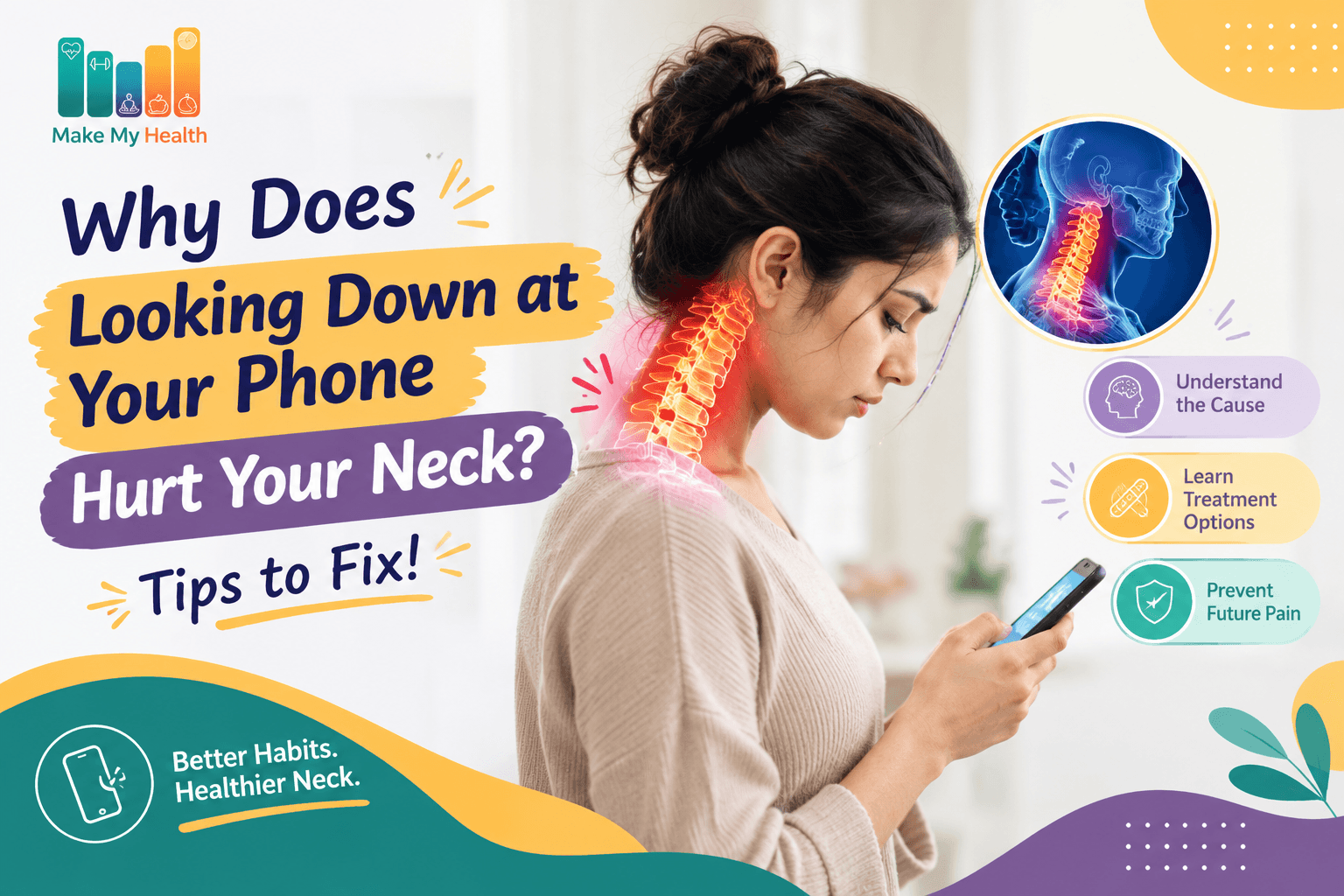
Why Does Looking Down at Your Phone Hurt Your Neck? Tips to fix!
DisclaimerThis article is for general educational purposes and is not a substitute for professional medical advice, diagnosis, or treatment. Always consult a qualified healthcare provider for guidance specific to your condition.
Is your smartphone silently wrecking your neck one text at a time?
Introduction: The Modern Neck Problem
Let’s face it, our phones are practically glued to our hands these days. With over 6.8 billion people worldwide owning a mobile phone and the average person racking up more than 3 hours a day on their device, it’s no wonder our necks are starting to complain. That nagging ache you feel after scrolling through Instagram or texting for what feels like forever isn’t just in your head. So, why does looking down at your phone leave your neck feeling battered, and what can you actually do about it? Let’s dive into the real reasons behind this modern pain and uncover some game-changing solutions.
Step 1: Understanding “Text Neck”
You might’ve heard the term “text neck” tossed around, especially if you’ve ever chatted with a chiropractor or physical therapist. It’s the not-so-glamorous name for the strain your neck endures from constantly looking down at your devices.
The Mechanics Behind Text Neck
Here’s where things get jaw-dropping. When your head is upright and in a neutral position, it weighs about 10–12 pounds. But every time you tilt your head forward even just a little, the pressure on your neck skyrockets:
| Head Tilt Angle | Effective Weight on Neck |
|---|---|
| 0° (neutral) | 10–12 lbs |
| 15° | 27 lbs |
| 30° | 40 lbs |
| 45° | 49 lbs |
| 60° | 60 lbs |
To put it in perspective, a 60-degree tilt (which is super common when you’re texting) is like having a 7-year-old kid perched on your neck for hours. No wonder your muscles, ligaments, and discs are ready to revolt.
Step 2: Why Does It Hurt? The Anatomy of Phone-Related Neck Pain
Muscular Strain
Your neck is home to some powerhouse muscles the trapezius, levator scapulae, and sternocleidomastoid, just to name a few. They’re designed to hold your head up when it’s in a neutral spot. But tilt your head forward, and suddenly these muscles are working overtime, leading to that familiar fatigue, tightness, and pain.
Ligament and Disc Stress
It’s not just your muscles feeling the agony. When you hunch over your phone, the ligaments and discs in your neck get stretched and squished. Over time, this can lead to disc herniation or even degeneration a nightmare scenario for your spine.
Nerve Compression
If things get really out of hand, inflamed tissues or shifting discs can start pinching the nerves running through your cervical spine. This can trigger not only neck pain but also headaches, tingling, or numbness that radiates down your arms.
Step 3: Signs Your Neck Pain Is Related to Phone Use
Wondering if your phone is actually to blame? Here are some telltale signs:
- Persistent aching at the base of your neck or between your shoulder blades after using your phone.
- Stiffness that gets worse as the day goes on, especially after marathon texting or scrolling sessions.
- Headaches that start at the back of your head and creep forward.
- Reduced range of motion when you try to turn or tilt your head.
- Tingling or numbness in your shoulders, arms, or hands.
If you notice these symptoms flaring up on days when your screen time spikes, your phone habits could be the real culprit.
Step 4: The Long-Term Risks of Ignoring Text Neck
Brushing off that nagging pain might seem harmless, but ignoring it can lead to some pretty devastating consequences. Spinal health experts warn that chronic forward head posture can cause:
- Degenerative disc disease: The discs cushioning your vertebrae break down faster, sometimes leading to surgery.
- Pinched nerves: You might end up with chronic pain, weakness, or even lose function in your arms.
- Postural changes: Over time, your shoulders could round and your upper back might develop a permanent hunch.
- Reduced lung capacity: Believe it or not, slouching forward can compress your chest and decrease lung function by up to 30%.
These issues don’t appear overnight, but with more than 1,000 hours a year spent looking down at screens, the risk really adds up.
Step 5: Tips to Prevent and Fix Phone-Related Neck Pain
The good news? You don’t have to be a victim of “text neck.” Here are some practical, easy-to-follow tips to help you outsmart neck pain:
1. Adjust Your Viewing Angle
- Hold your phone at eye level as much as possible to keep your neck in a happy, neutral spot.
- Try using a stand or propping your device on a table instead of your lap.
2. Take Frequent Breaks
- Stick to the 20-20-20 rule: every 20 minutes, look 20 feet away for 20 seconds.
- Set reminders to stand up, stretch, or take a quick walk every hour.
3. Strengthen and Stretch Key Muscles
Mix these simple exercises into your daily routine:
| Exercise Name | Purpose | How to Do It |
|---|---|---|
| Chin Tucks | Strengthen deep neck flexors | Gently tuck your chin toward your chest, hold for 5 seconds, repeat 10 times |
| Shoulder Blade Squeeze | Improve posture | Squeeze shoulder blades together, hold for 10 seconds, repeat 10 times |
| Neck Stretch | Relieve tension | Tilt head to one side, hold for 15 seconds, repeat on both sides |
4. Optimize Your Workstation
- Raise your monitor or laptop so the top third of the screen is at eye level.
- Use an external keyboard and mouse to avoid hunching.
5. Limit Continuous Screen Time
- Take advantage of built-in phone features to set daily screen time limits.
- Make meal times and bedtime device-free zones.
6. Use Voice-to-Text Features
- Dictate messages instead of typing to cut down on the time you spend looking down.
Step 6: When to Seek Professional Help
Most cases of text neck can be tackled with self-care, but sometimes it’s smart to call in the pros. Watch out for:
- Severe or persistent pain that doesn’t get better with rest or stretching.
- Radiating pain, numbness, or weakness in your arms or hands.
- Loss of balance or coordination.
If these symptoms sound familiar, a healthcare provider might recommend physical therapy, imaging, or other treatments. Getting help early can be a game-changer, preventing long-term problems and helping you bounce back fast.
Step 7: Quick Reference Table – Do’s and Don’ts for Healthy Neck Habits
| Do’s | Don’ts |
|---|---|
| Hold phone at eye level | Hunch over your device |
| Take regular breaks | Use your phone for hours nonstop |
| Stretch and strengthen neck muscles | Ignore persistent pain |
| Adjust workstation ergonomics | Use devices in bed with poor posture |
| Use voice-to-text when possible | Cradle the phone between ear and shoulder |
By understanding what’s really going on with “text neck” and making a few simple tweaks to your daily habits, you can conquer neck pain and protect your spine even in our relentlessly connected world.
Conclusion
Neck pain from smartphone use is a growing issue in our digital age, driven by poor posture and prolonged screen time. Understanding “text neck” and its underlying mechanics empowers you to recognize symptoms early and adopt preventative strategies. Simple changes like adjusting your device position, taking breaks, and strengthening neck muscles can significantly reduce discomfort and long-term risks. Prioritizing these habits ensures your spine stays healthy even as technology remains a central part of daily life.
Frequently asked questions
Stay updated
Get new health articles on WhatsApp
By subscribing, you agree to receive health updates via WhatsApp. Unsubscribe anytime.